Clients
The client book. Register the employers you work with, save hiring contacts, scan careers pages for open roles, and use intelligence signals to decide who to pitch first.
On this page
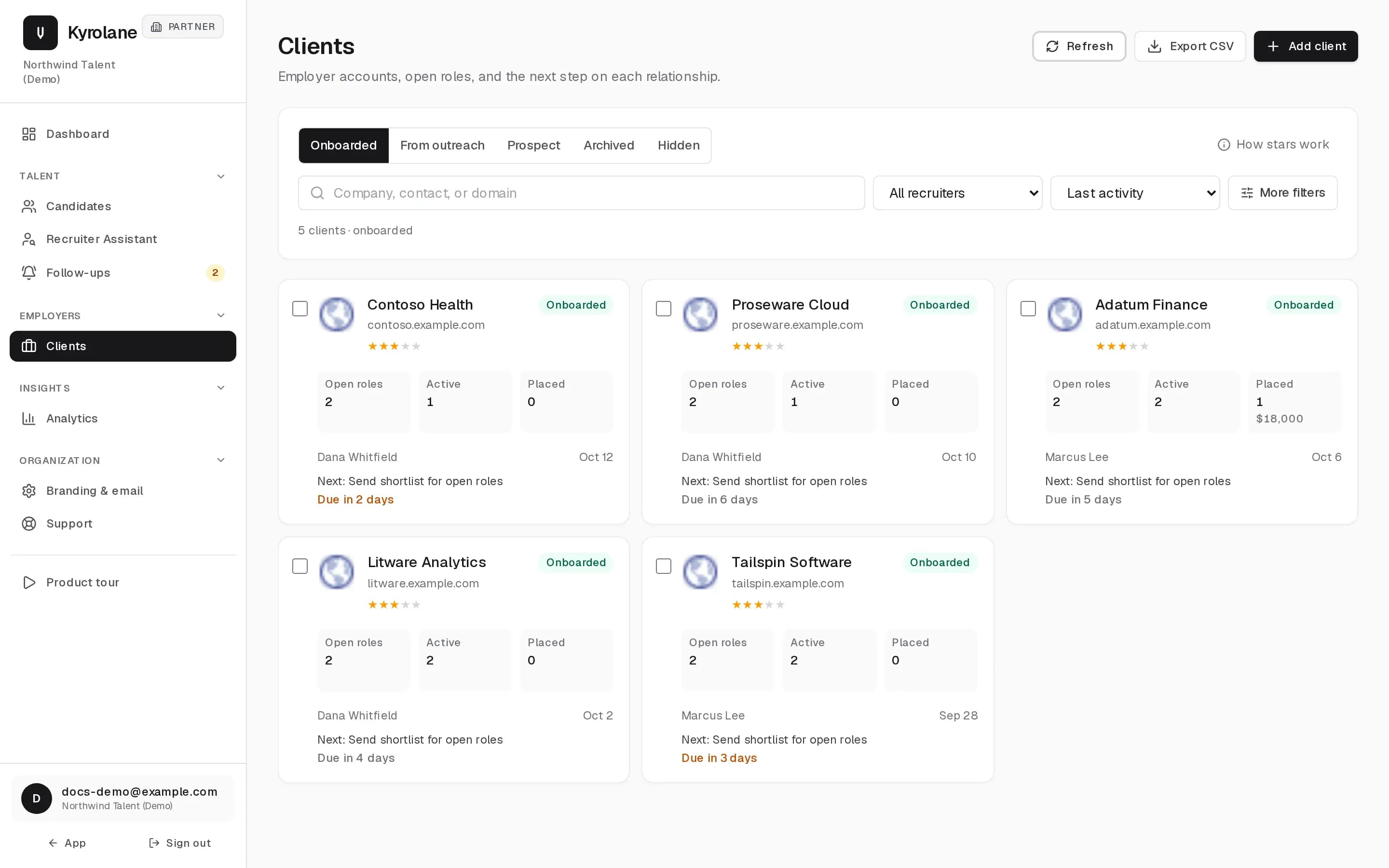
Clients holds employer accounts, their open roles, and the next step on each relationship. Companies you pitch without registering show up under From outreach, so nothing is lost.
Register a client
Add the employers you already work with. Registering a client unlocks careers-page scanning and roster matching for that company. Add relationship notes, an account manager, and an industry on the client page.
Hiring contacts
The contacts section lists hiring managers and recruiters at the company: contacts you saved plus addresses found in your outreach history. Open the pitch composer addressed to a contact from there. Nothing is sent until you confirm.
Open roles and roster matches
Kyrolane finds the client’s careers page and scans it for open roles. If the jobs live on a parent company’s site, use Find careers page so the right board is scanned. Each role lists the roster candidates that fit, and only moderate or strong matches are surfaced. See Matching.
Client intelligence
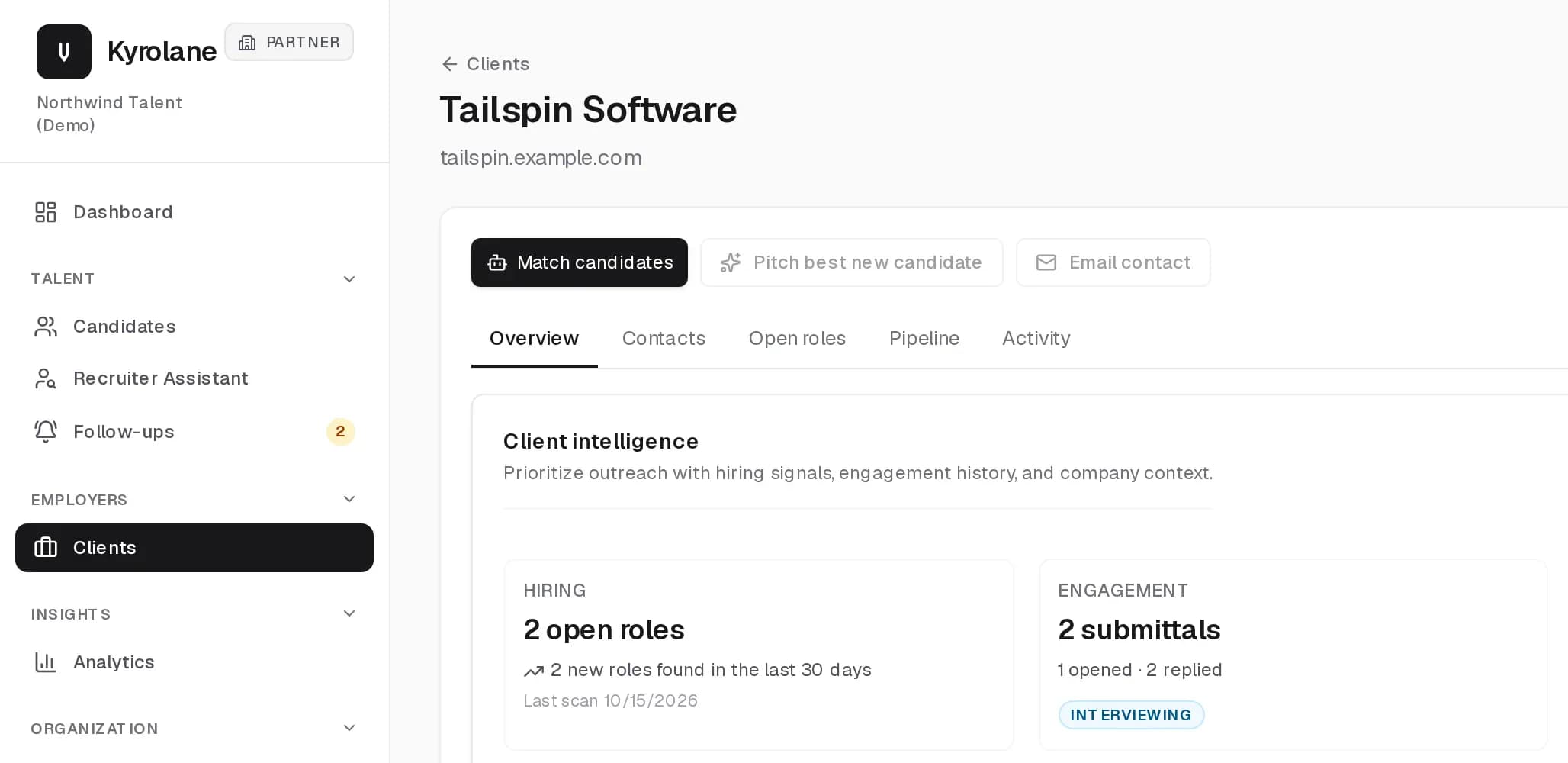
The intelligence panel helps you prioritize outreach with hiring signals, engagement history, and company context such as hiring trends, job categories, and skills. Add a company domain to unlock growth and funding signals.
Past placements and fees
Record a placement on a client, or import historical placements from CSV. Placement fees feed the fee totals in Analytics.
FAQ
Which careers sites can Kyrolane scan?
When you pick a company, Kyrolane tries to find its job board automatically. Workday, Greenhouse, Lever, Ashby, SmartRecruiters, SuccessFactors, and Oracle Cloud boards are supported. If it cannot find one, paste the careers URL yourself.
How often are client roles rescanned?
Registered clients whose last successful scan is older than seven days are rescanned on a schedule. You can also scan on demand from the client page.
Does archiving a client delete anything?
No. Archive hides the client and keeps saved contacts, roles, and fee terms. Delete is permanent and erases the client record, saved contacts, and scanned roles.