Branding and email
White-label branding, the agency mailbox that sends outreach, follow-up templates, and the compliance address. Only admins save credentials.
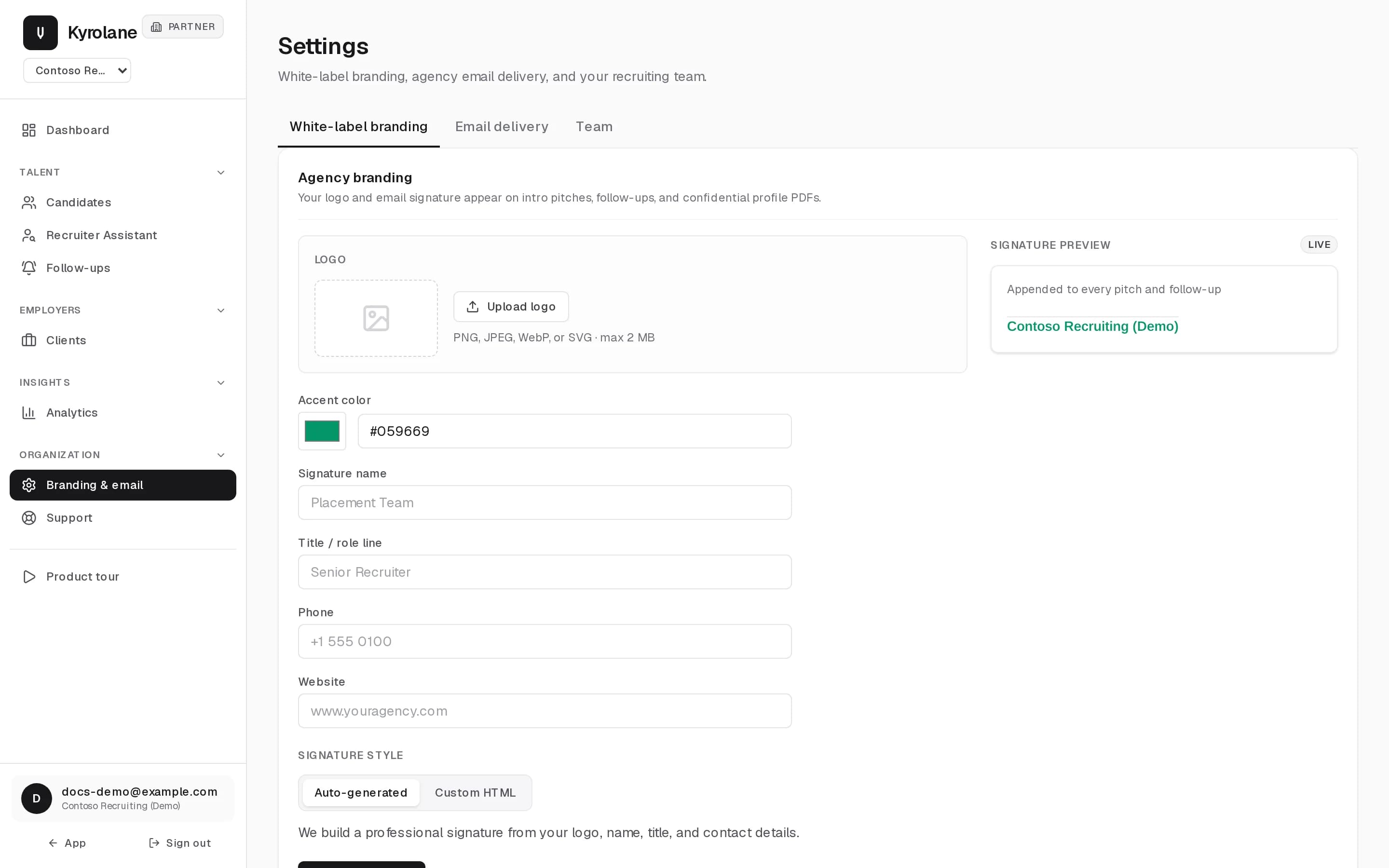
Branding & email holds white-label branding, agency email delivery, and your recruiting team. Open it from the portal sidebar.
Branding
Logo, name, title, and signature live on the White-label branding tab. They appear on intro pitches and shared profiles.
Outreach sends from your agency inbox so employer replies land with you. On the Email delivery tab, an Admin enters the SMTP host, port, inbox, and password. Step-by-step guides on that page link to app-password instructions for Gmail, Outlook, and Yahoo. Send a test email before the first pitch.
Mailbox passwords and OAuth tokens are encrypted before they are stored. See Data isolation and access.
Follow-up template and automation
Save a follow-up subject and message. Automatic follow-ups send exactly that saved text and nothing generated. Automatic sending stays off until an admin turns it on.
Postal address
Add the organization’s postal address. Outreach includes it so messages meet CAN-SPAM, and sending is blocked until it is set.
FAQ
Which mailbox is used when both SMTP and OAuth are saved?
SMTP. When no SMTP password is saved and the organization has a Google or Microsoft OAuth mailbox, sending uses OAuth.
Can a coach change email settings?
Coaches can edit branding and the non-secret display fields. Only admins save SMTP passwords, OAuth tokens, and compliance mail settings.